

LAUNCH OFFER 3 months free for the first 50 businessesApply now →
Setup and training included · Sales keep running even when the internet dropsSupport: +90 850 840 06 54Call me back

Next-generation POS and Order Software for Restaurants, Cafés and Shops

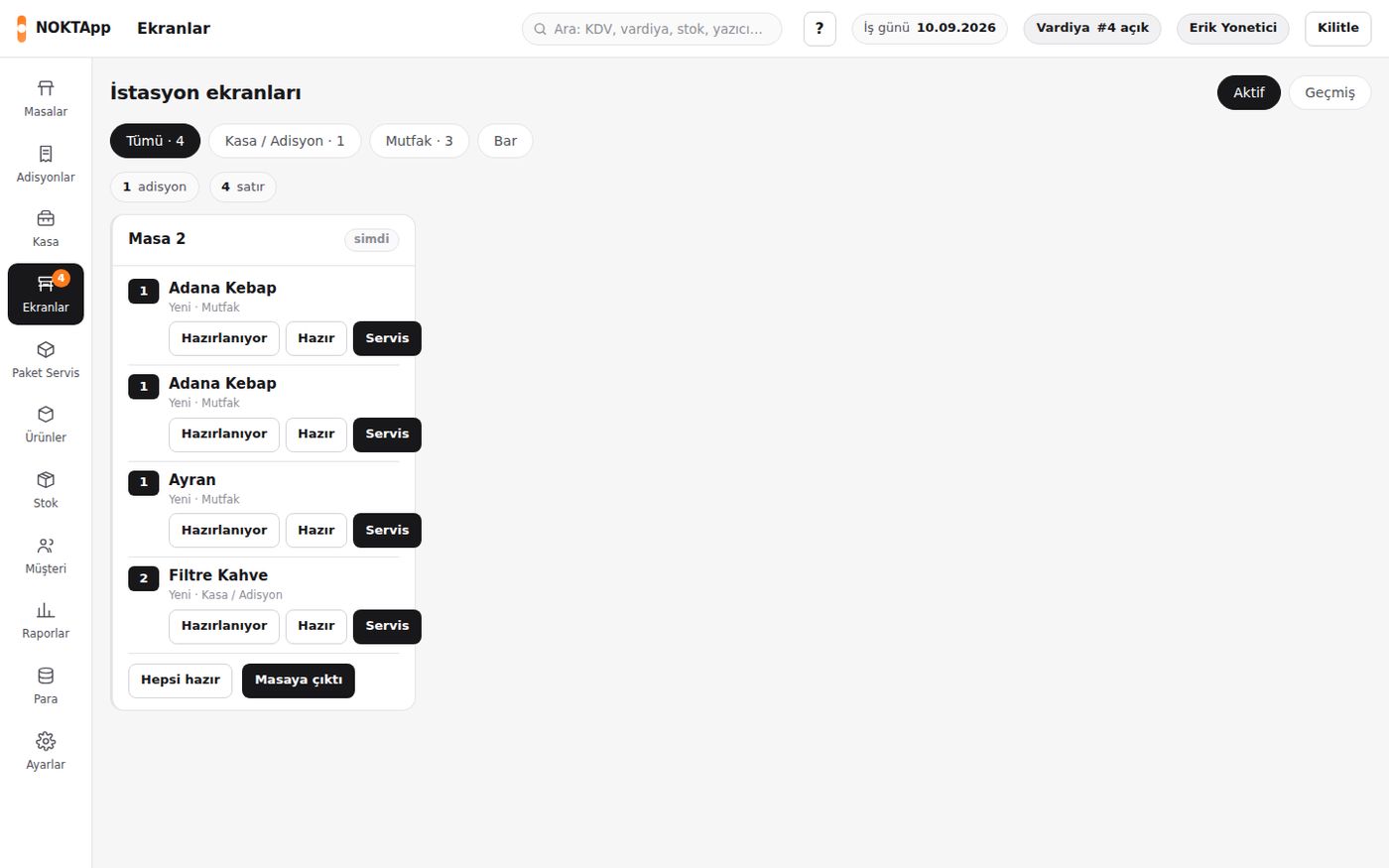
Tables, kitchen, delivery, stock and end of day on one screen. Sales keep going even when the internet drops. We do the setup and training.

or call us now: 0850 84 00 654
  • Free setup
  • Free training
  • Works offline
  • Local support

Free. We call back the same day.

NOKTApp POS
Table 4 · Bill₺1,240.00
Sent to kitchen2 orders
FIRST 50 BUSINESSES3MONTHS FREE
  • Made in Türkiye
  • KVKK compliant
  • e-Invoice & e-Archive
  • Works offline
  • Same-day reply
Video tour

See NOKTApp in 2 minutes

No setup, no sign-up. Press play and watch the software at work.

NOKTApp POS & RetailTables, orders, kitchen and shop till
Alisa AI Call CenterAI answers your phone
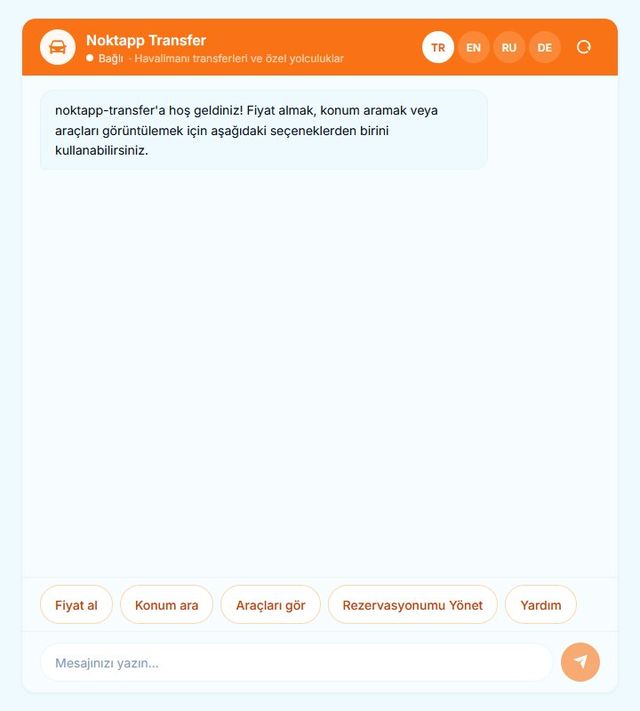
NOKTApp Transfer CRMBookings, drivers, flight tracking
Why NOKTApp

Four things other POS systems don't have

Fully works offline

Sales, kitchen, payments and printing run on the business's own computer. No browser extension or "offline mode" patch.

AI answers the phone

Alisa answers calls 24/7, quotes prices and records bookings and orders. Multilingual.

8 products, one company

Restaurant, market, hotel, residential site, transfer, loyalty and end-of-day sales. Add more as you grow, same support line.

Your data stays with you

Records stay on your own computer, with a local backup every 15 minutes and a cloud backup every night.

Order flow

From order to payment without a break

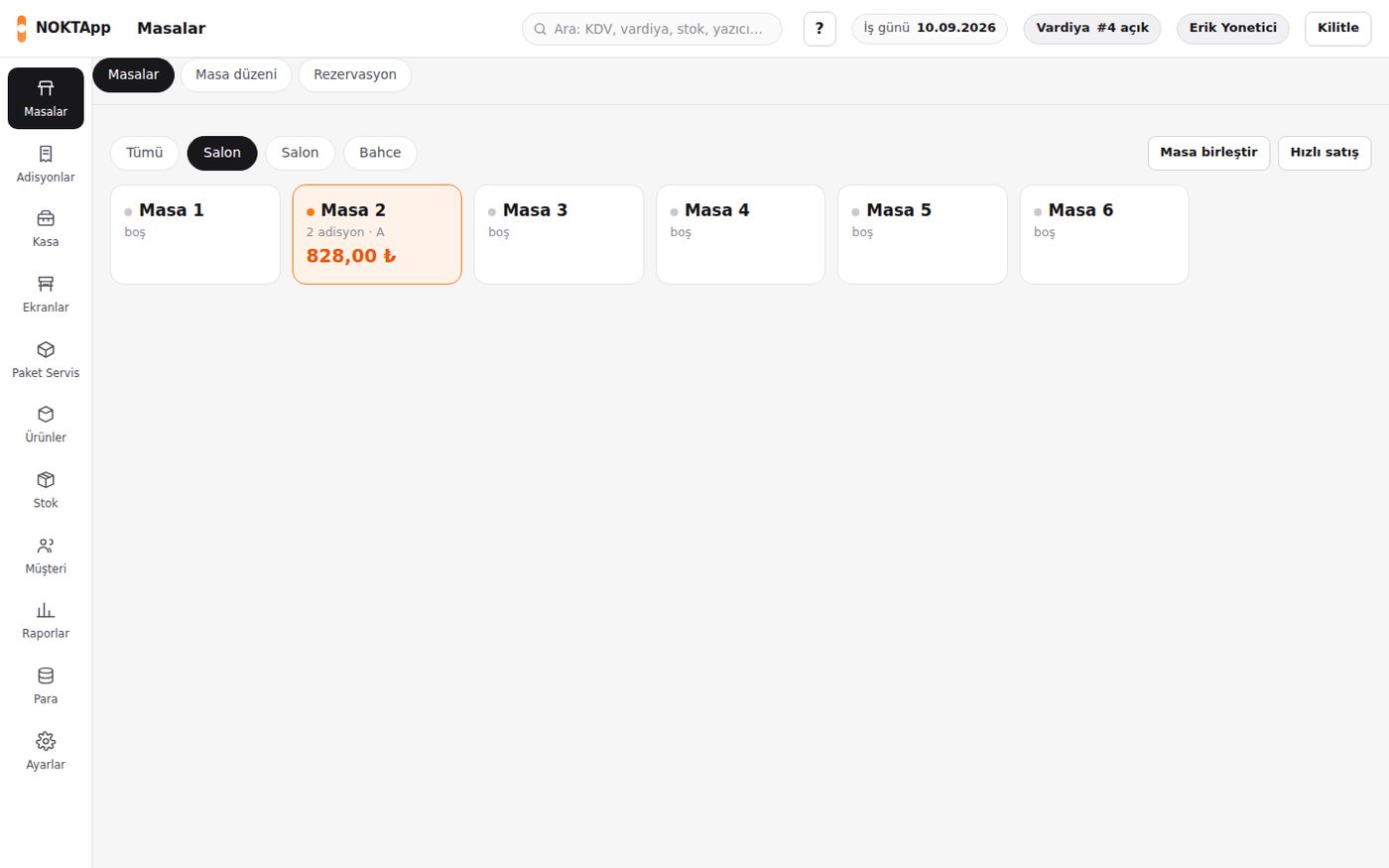
The waiter takes the order at the table, it lands on the kitchen screen instantly, the bill closes in one tap. The end-of-day report is ready.

  • Sales, kitchen and printing continue offline
  • Waiter app (Android and iOS) and QR menu
  • e-Invoice and e-Archive; fiscal till (ÖKC) ready
  • Food delivery channels and takeaway
Watch a free demo
Packages

Choose the package that fits

Pricing depends on the size of your business. Ask for a quote, we reply the same day.

Starter

Single-till restaurants, cafés and shops

Get a quote
  • Till software (Windows)
  • Tables and orders or barcode sales
  • End-of-day and sales reports
  • Works offline
  • Free setup and training
Most popular

Professional

Businesses with waiters and a kitchen

Get a quote

Everything in Starter, plus:

  • Waiter app (Android, iOS)
  • Kitchen screen and printers
  • QR menu and delivery
  • NOKTA digital loyalty card
  • e-Invoice and e-Archive

Chain

Multi-branch businesses

Get a quote

Everything in Professional, plus:

  • Multiple branches, central reports
  • NOKTApp CRM
  • Alisa 24/7 phone answering
  • Priority support line
  • Custom rollout plan

Launch offer: 3 months free for the first 50 businesses.

Calculate

How much could NOKTApp save you each month?

Enter your own numbers. The result is an estimate.

Sales kept during outages0
Extra income from leftovers with Bitir0
Monthly total0/ month
Get a quote with these numbers

Assumptions: open 12 hours a day; 70% of leftovers sell on Bitir at 40% off; 10% commission deducted.

A day in a business

Open the till in the morning. Let Alisa take the night calls.

Scroll down: eight NOKTApp products step in, one after another, during a single day.

08:00 Morning

The restaurant opens, the till is ready

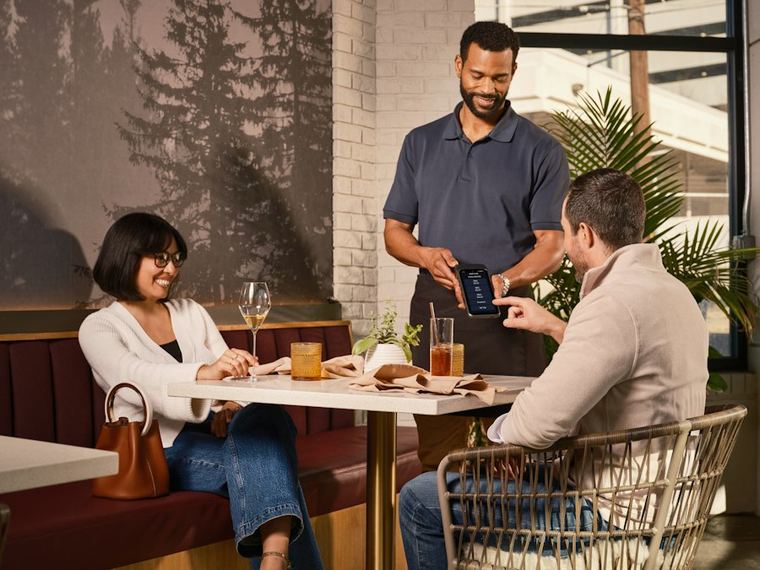
The waiter takes the order at the table and it appears on the kitchen screen at once. Service keeps going even if the internet drops.

  • Floor plan, split bills and table moves
  • Kitchen display and station printers
  • End of day, e-invoice and fiscal printer
NOKTApp POSLearn more →
09:30 Morning

Shelves are stocked, stock is counted

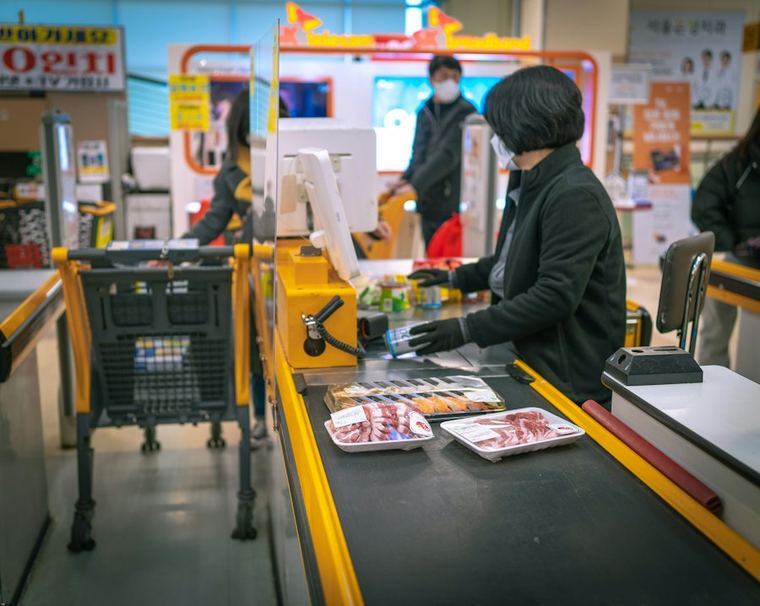
Barcode sales begin. Count differences and shrinkage show in the report, so the owner knows the real profit.

  • Barcode and weighed sales
  • Stock, counts and differences
  • Profit and shrinkage reports
NoktapperaLearn more →
11:00 Noon

Check-in time at the hotel

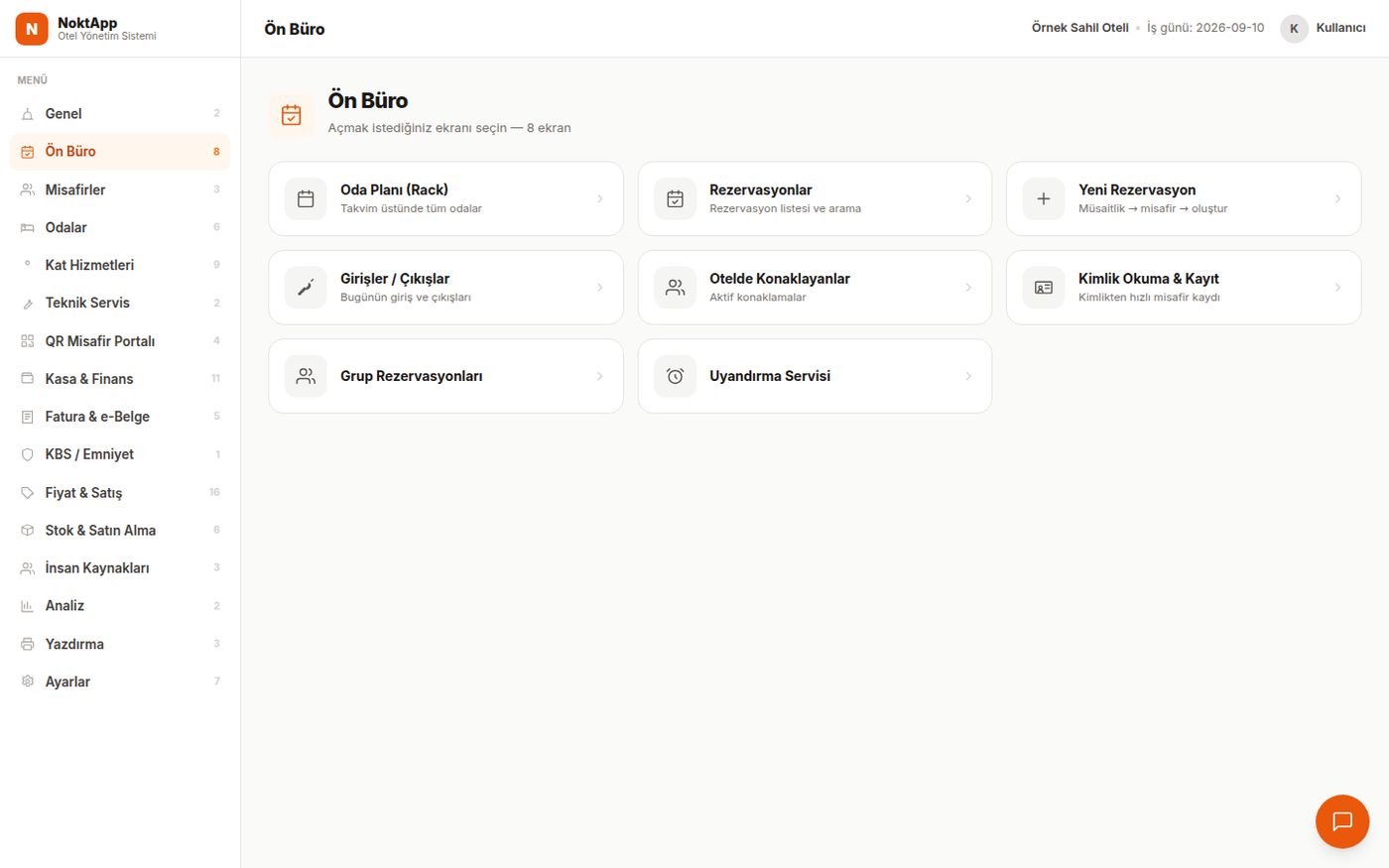
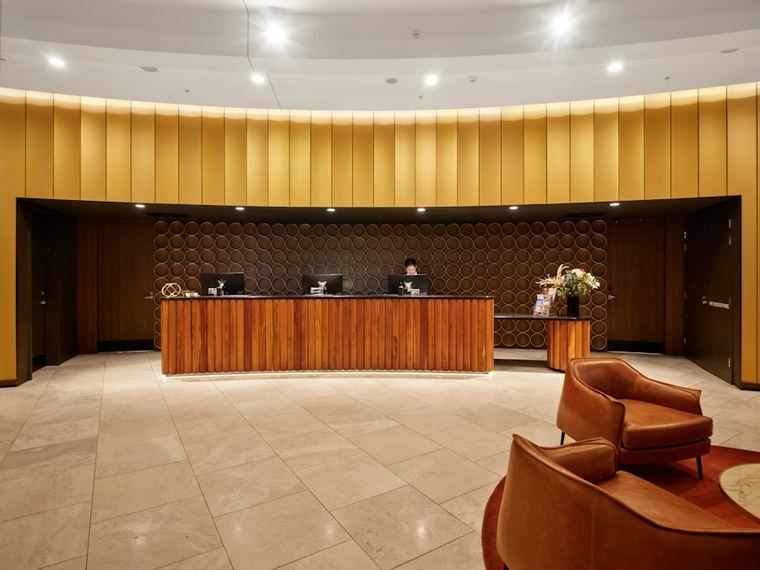
Reception sees the room plan and places the guest. Housekeeping marks the cleaned room from a phone.

  • Reservations and room plan
  • Guest folio and invoicing
  • Mobile app for staff
NoktApp HotelLearn more →
13:00 Noon

A guest is picked up at the airport

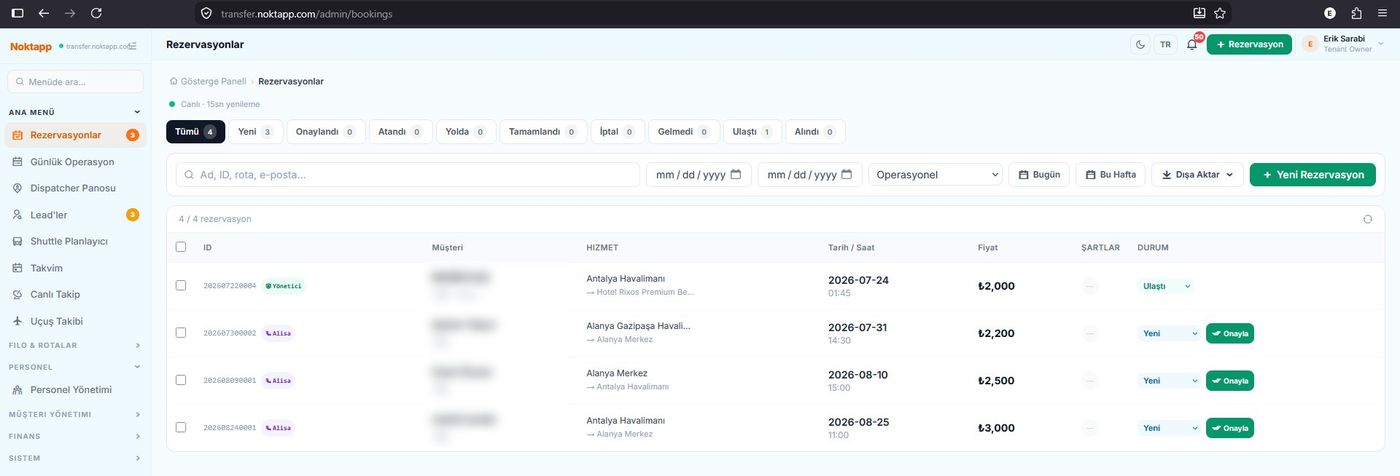
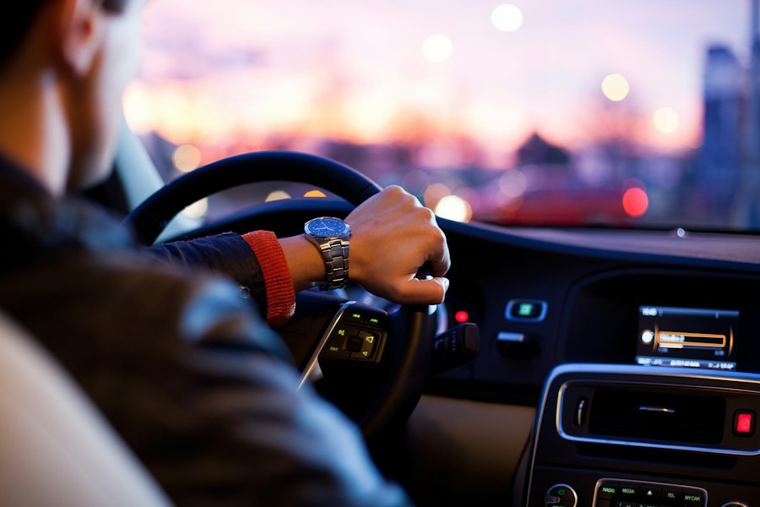
Flight tracking shows the delay and the driver is notified. The customer gets a WhatsApp update.

  • Admin, driver, agency and customer portals
  • Flight tracking
  • WhatsApp and SMS notifications
NOKTApp Transfer CRMLearn more →
15:00 Afternoon

A resident pays the dues

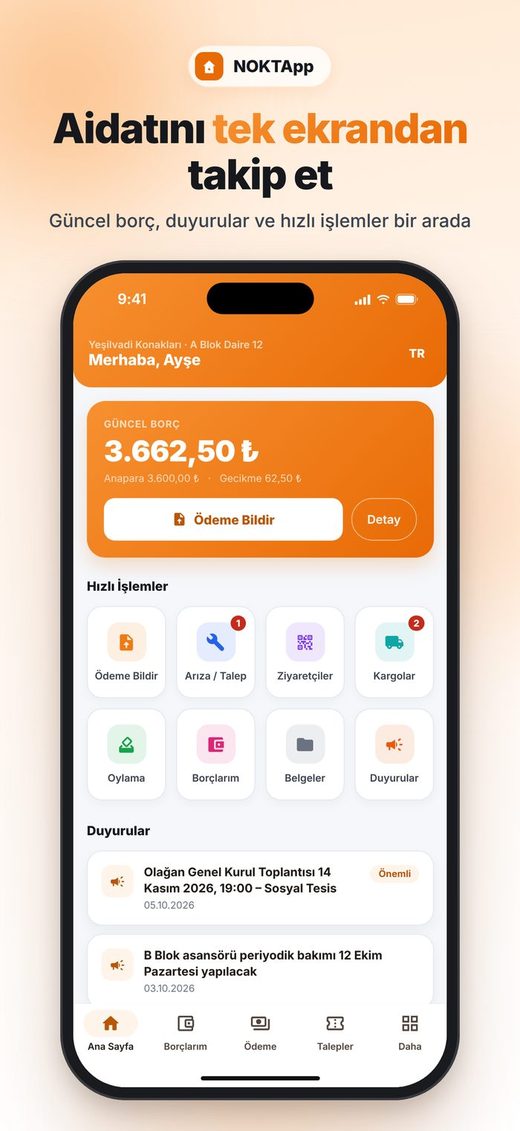
The resident sees the balance on the phone and uploads the transfer receipt. The manager approves with one tap.

  • Dues, late fees and balances
  • Receipt-based payment and approval
  • General meetings and e-voting
NOKTApp BuildingLearn more →
19:00 Evening

A regular drinks the tenth coffee

The phone number is typed at the till and a stamp is added. When the reward is ready it shows in the NOKTA app.

  • Each business has its own stamp card
  • Your own campaigns
  • Log-in with a WhatsApp code
21:30 End of day

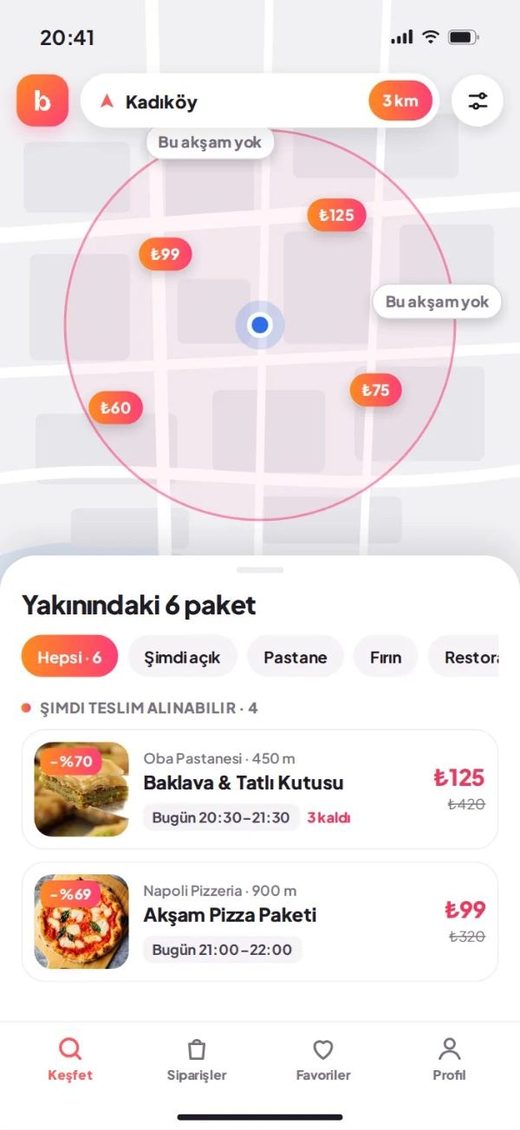
Leftovers don't go to waste

The bakery adds its end-of-day bags to Bitir. A nearby customer reserves one and pays at the shop.

  • Offers based on location
  • Reserve in the app
  • Pay at pickup
02:14 Night

A night call gets answered

While everyone sleeps, Alisa answers, quotes a price, creates the booking and sends a WhatsApp confirmation. Multilingual.

  • 24/7, no missed calls
  • Takes real actions in your system
  • For transfer, hotel, clinic and cargo
Alisa AI Call CenterLearn more →
08:00
Tables
NOKTApp POS
Noktappera
Noktappera
Front desk
NoktApp Hotel
Bookings
NOKTApp Transfer CRM
Resident app
NOKTApp Building
NOKTA
Bitir
Bitir
Alisa
Alisa AI Call Center
Hardware

Works with the devices you have

No need to buy new hardware. We connect your devices during setup.

  • Windows PC and touchscreen till
  • Receipt and kitchen printers
  • Barcode scanner and scales
  • Fiscal till (ÖKC) integration ready
  • Android / iOS tablets and phones
Ask about my devices
Compare

How we differ from cloud-only systems

Most POS systems depend on the internet. NOKTApp runs on your own computer and uses the cloud for backup and remote reporting.

TopicNOKTAppCloud-only POS
When the internet dropsSales, kitchen, payments and printing fully workLimited or stops
Where is your data?On your own computer, cloud backup every nightOnly on the provider's server
Answering the phoneAlisa AI answers 24/7 and creates bookingsNeeds a separate call center
e-Invoice, e-Archive, fiscal printerBuilt into the programOften an add-on
Product family from one companyRestaurant, market, hotel, site, transfer, loyaltyUsually one industry
Integrations

Official processes and sales channels, ready

e-InvoiceVia QNB eSolutions
e-ArchiveInvoice and refund flows
Fiscal printer (ÖKC)Tested on a Hugin device
WhatsAppVerification codes and notifications
SMSBookings and reminders
MarketplacesTrendyol, Hepsiburada
DeliveryFood-ordering channels
Scales and labelsWeighed barcode items
50First 50 Businesses Program

Be one of the first 50

Let us grow NOKTApp together. Businesses in the program:

  • Use it free for 3 months
  • Get setup and training free
  • Get the features they ask for first
  • Are featured on our site, with permission
Apply to the program
Direct support from the makers

The team that wrote it fixes it

No call-center queue, no ticket numbers. When you call, the team that builds the software answers and, if needed, connects remotely to fix it.

+90 850 840 06 54Support line
WhatsAppMessage support
RemoteWe connect and fix
FAQ

Frequently asked questions

What happens if the internet drops?

NOKTApp runs on your own computer. Sales, kitchen, payments and printing continue; data syncs automatically when the connection returns.

Where is my data stored?

In a database on your business's computer, with a local backup every 15 minutes and a cloud backup every night. Even if the computer breaks, you continue where you left off.

Are e-Invoice, e-Archive and fiscal printers supported?

Yes. e-Invoices and e-Archive invoices are issued from inside the program via QNB eSolutions; the fiscal printer (ÖKC) link was tested on a real Hugin device.

Can I use several products together?

Yes. A hotel can run NoktApp Hotel, use NOKTApp POS in its restaurant and let Alisa answer its phones, all with one support team.

Are setup and training charged?

We do the setup and first training. For a quote, fill in the demo form or call +90 850 840 06 54.

Call now for a free demo

We show you the software for your business. Same-day reply.

0850 84 00 654

A 30-minute demo for your business

Fill in the form and we'll call you the same day. Whatever your industry, we'll show you the right NOKTApp solution live.

0850 84 00 654

Demo and quote request

WhatsApp